The Commodore 1660, also known as the “Modem/300”, is Commodore’s first full-featured modem: It connects directly to the phone line and supports pulse and tone dialing for 300 baud duplex connections.
Historical Context
| Year | Name | Model | Description |
|---|---|---|---|
| 1982 | VICMODEM | 1600 | connected to phone’s handset connector; manual dialing through phone; Motorola MC14412 |
| 1982 | AUTOMODEM | 1650 | connected to phone line, pulse dialing in software; Motorola MC14412 |
| 1985 | MODEM/300 | 1660 | added tone dialing support by feeding SID output into modem; Texas Instruments TMS99532A |
| 1987 | MODEM/1200 | 1670 | Hayes command set; pulse and tone dialing in hardware; 300/1200 baud support; U.S. Robotics chipset |
Photos
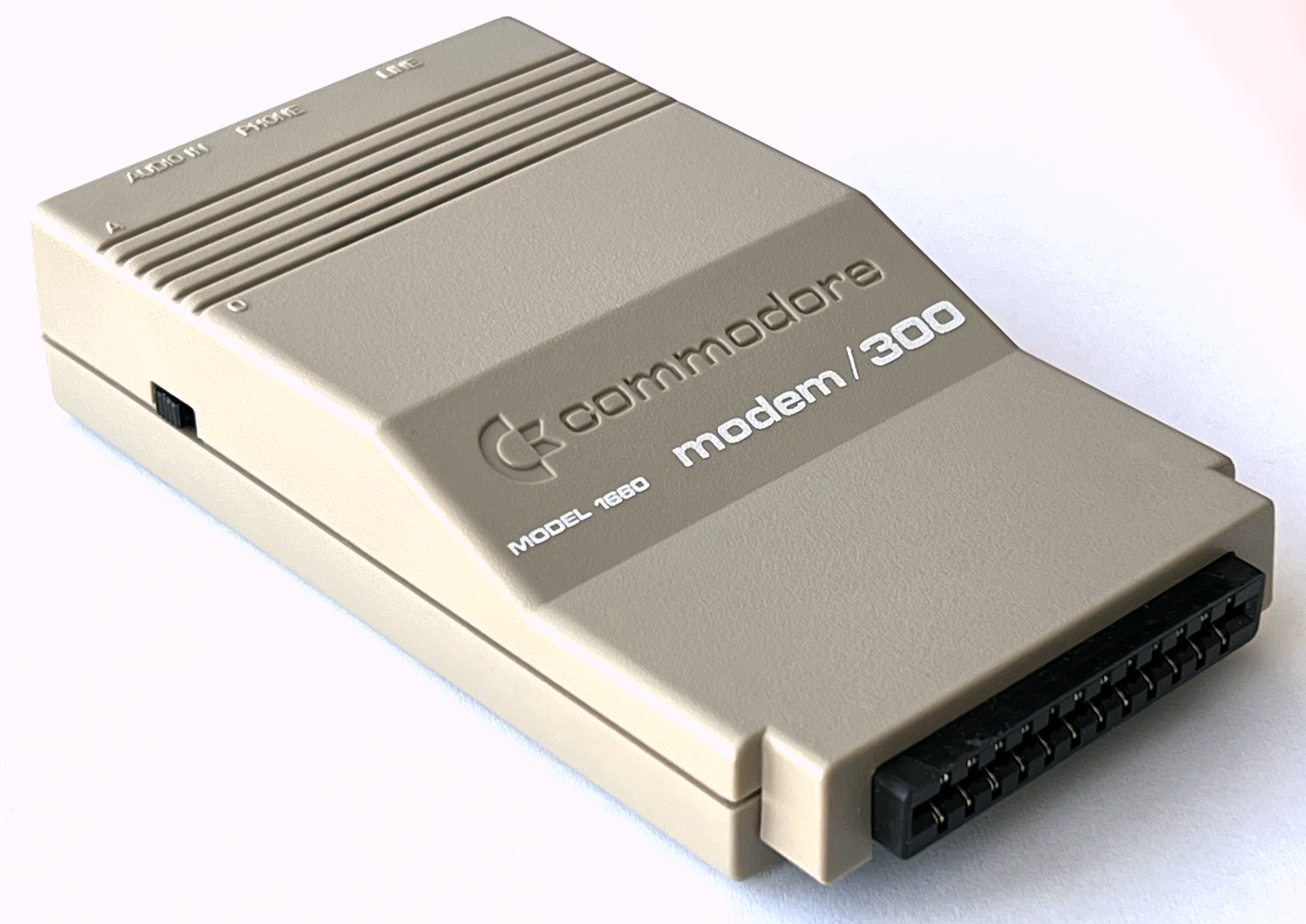
On the front, there is the user port connector. On the left, there is a switch that can be put into the “A” (answer) or “O” (originate) position, depending whether a phone call is supposed to be made or accepted.
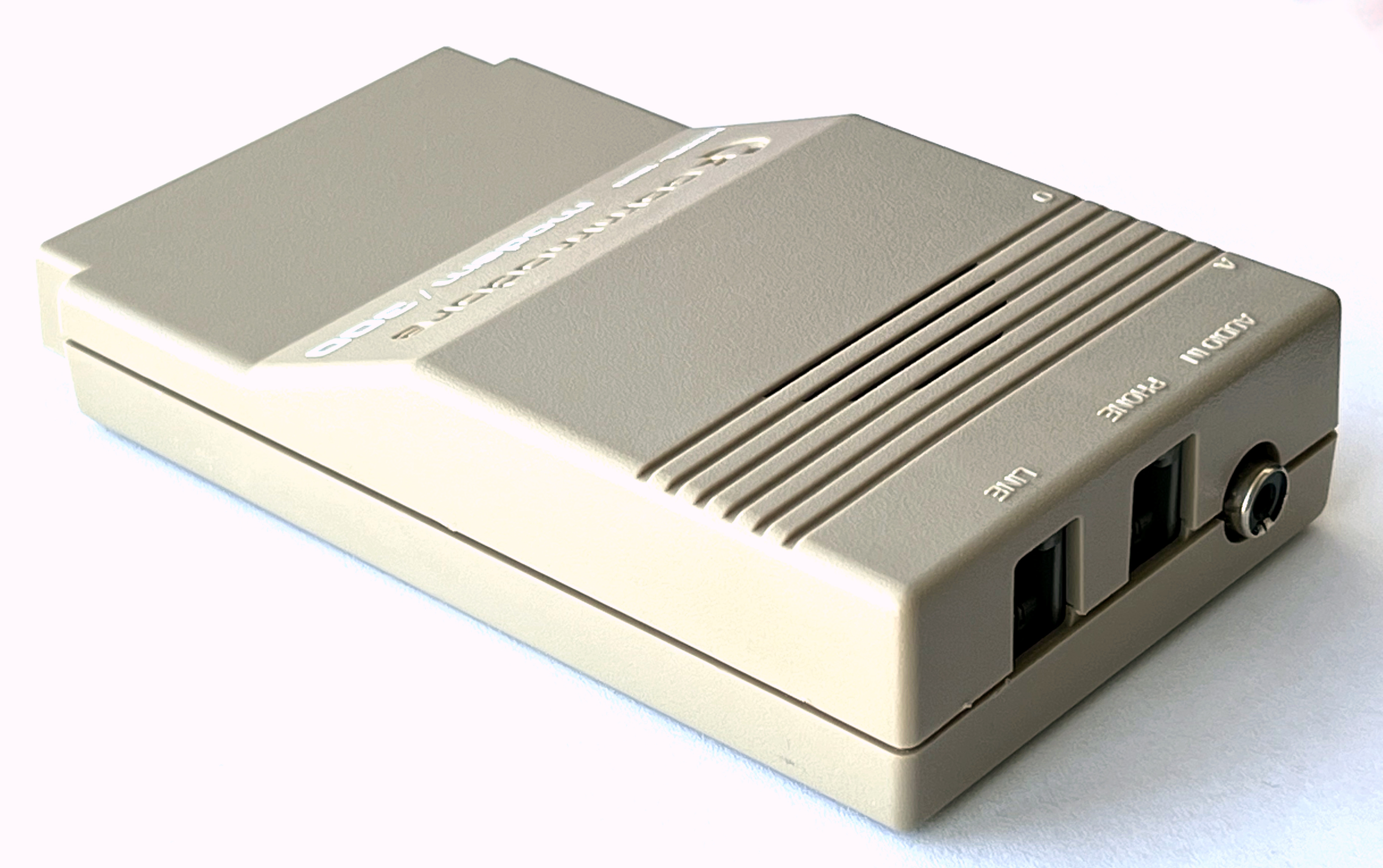
On the back, there are
- two phone line connectors. “LINE” is connected to the telephone network, and an existing telephone can be connected to the “PHONE” line.
- an RCA audio connector. The circuitry in the modem only does the 300 baud data transmission part once the telephone connection is established – tone dialing is done by using software to generate the audio using the C64’s sound chip, which is looped into this connector! (Pulse dialing is also done in software, by timing on-hook and off-hook events.)
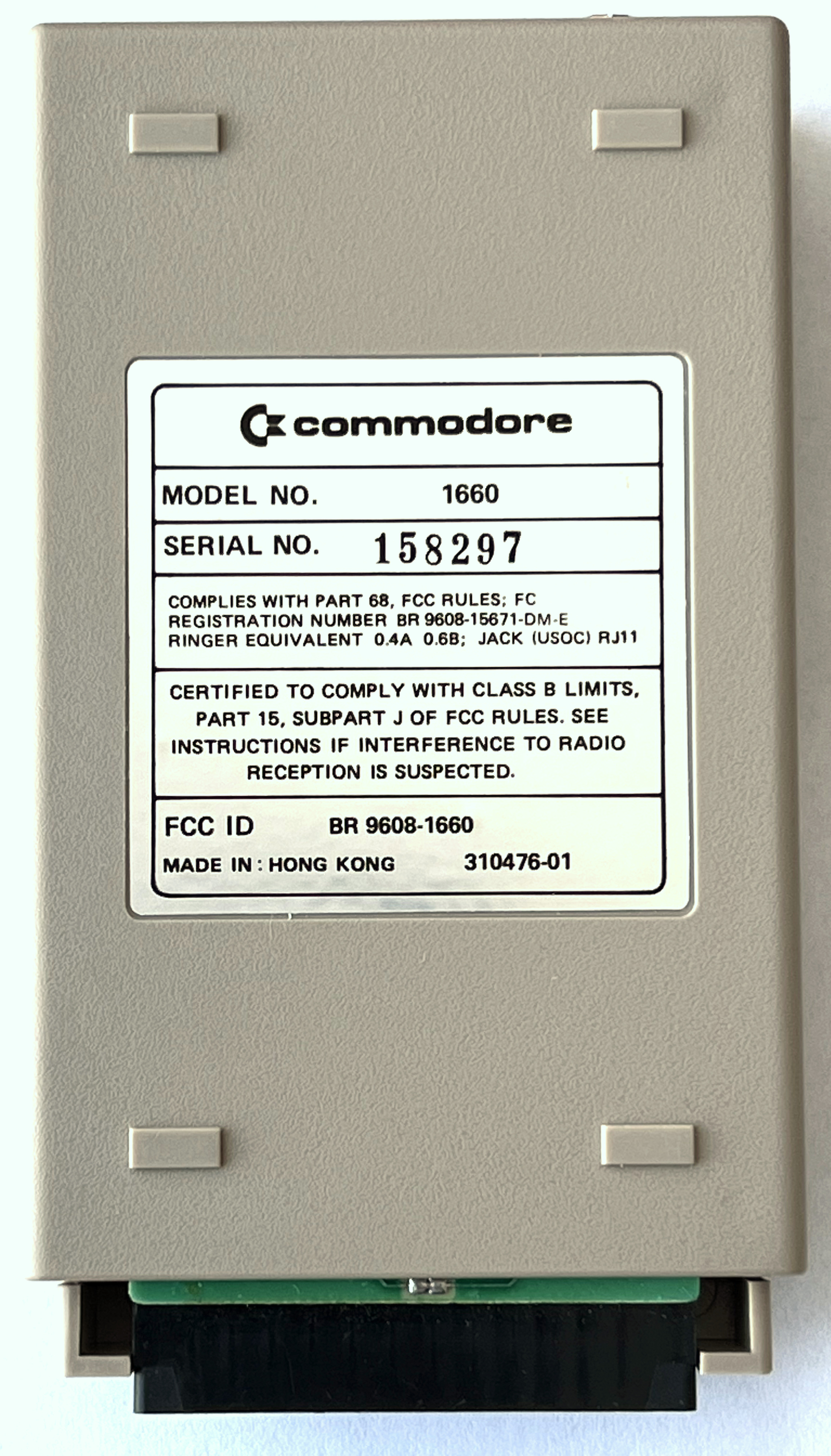
The label on the bottom says:
| C= commodore |
| MODEL NO. 1660 |
| SERIAL NO. 158297 |
|
COMPLIES WITH PART 68, FCC RULES; FC REGISTRATION NUMBER BR 9608-15671-DM-E RINGER EQUIVALENT 0.4A 0.6B; JACK (USOC) RJ11 |
|
CERTIFIED TO COMPLY WITH CLASS B LIMITS, PART 15, SUBPART J OF FCC RULES. SEE INSTRUCTIONS IF INTERFERENCE TO RADIO RECEPTION IS SUSPECTED. |
|
FCC ID BR 9608-1660 MADE IN: HONG KONG 310476-01 |
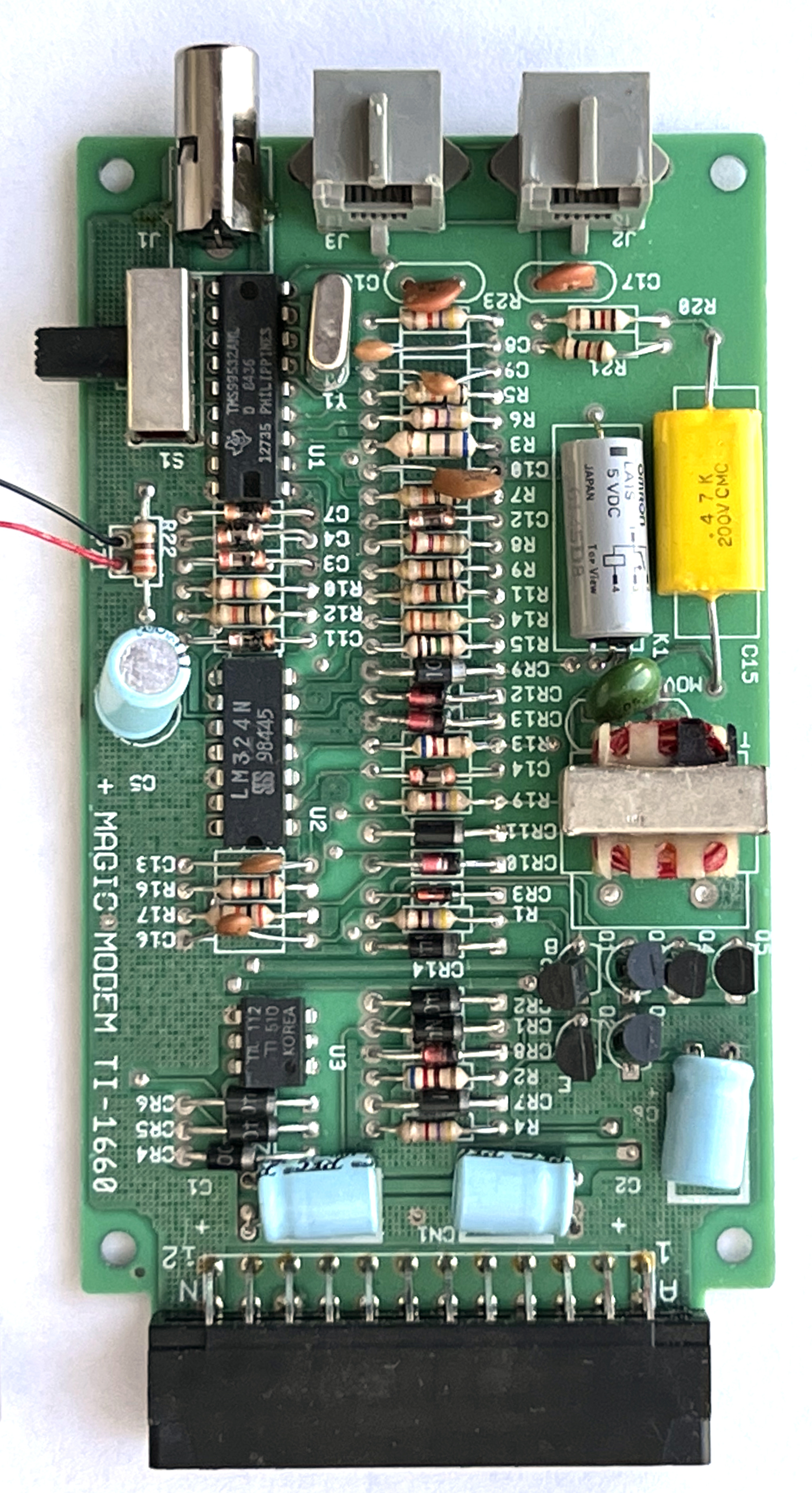
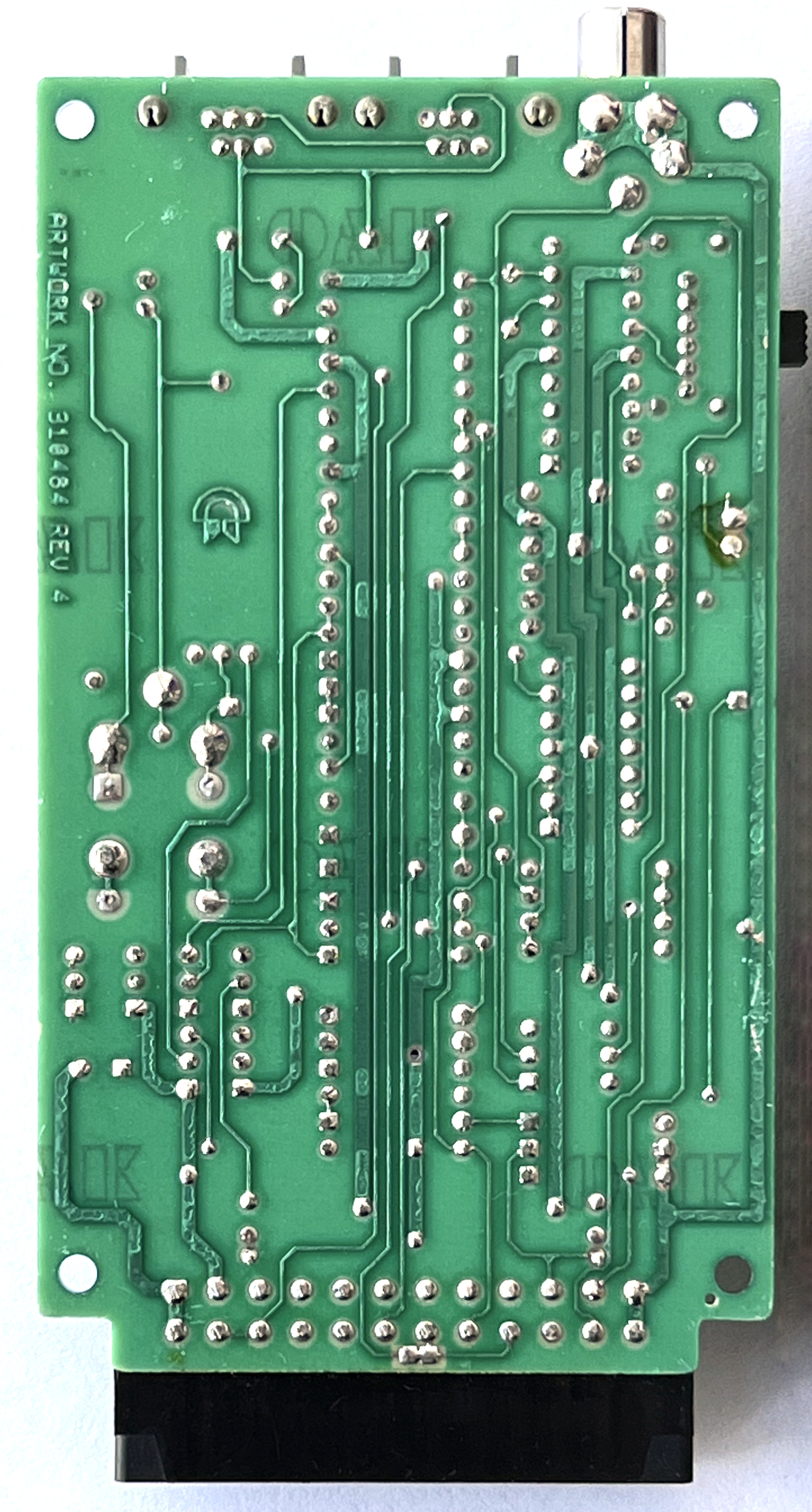
The board is marked “MAGIC MODEM TI-1660” and “ARTWORK NO. 310484 REV 4”. The “TI” might stand for “Texas Instruments”, the manufacturer of the TMS99532A modem chip on the top left of the board, which is the central component of the device.
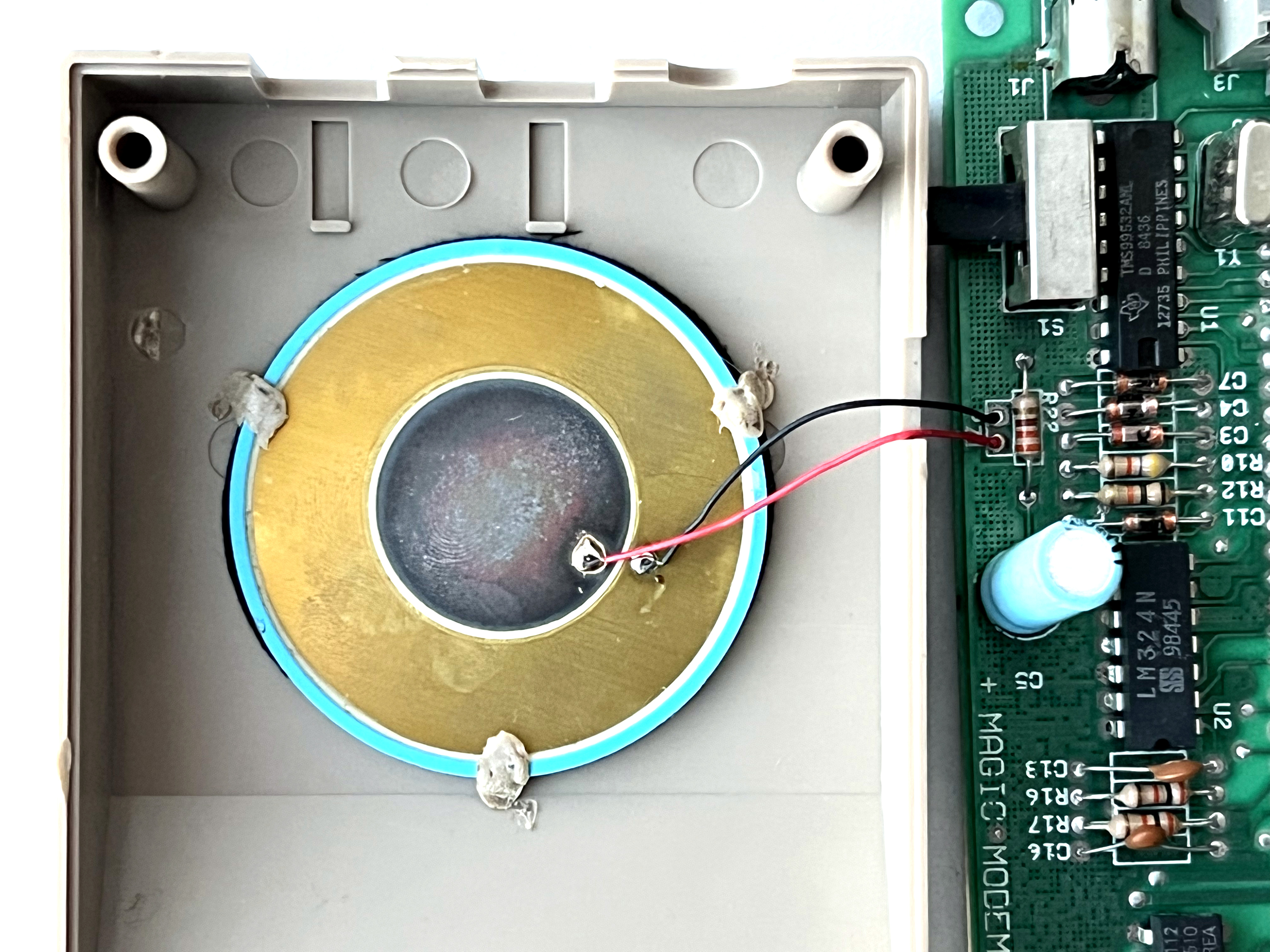
There is a speaker glued to the top shell that allows monitoring the audio data on the line.
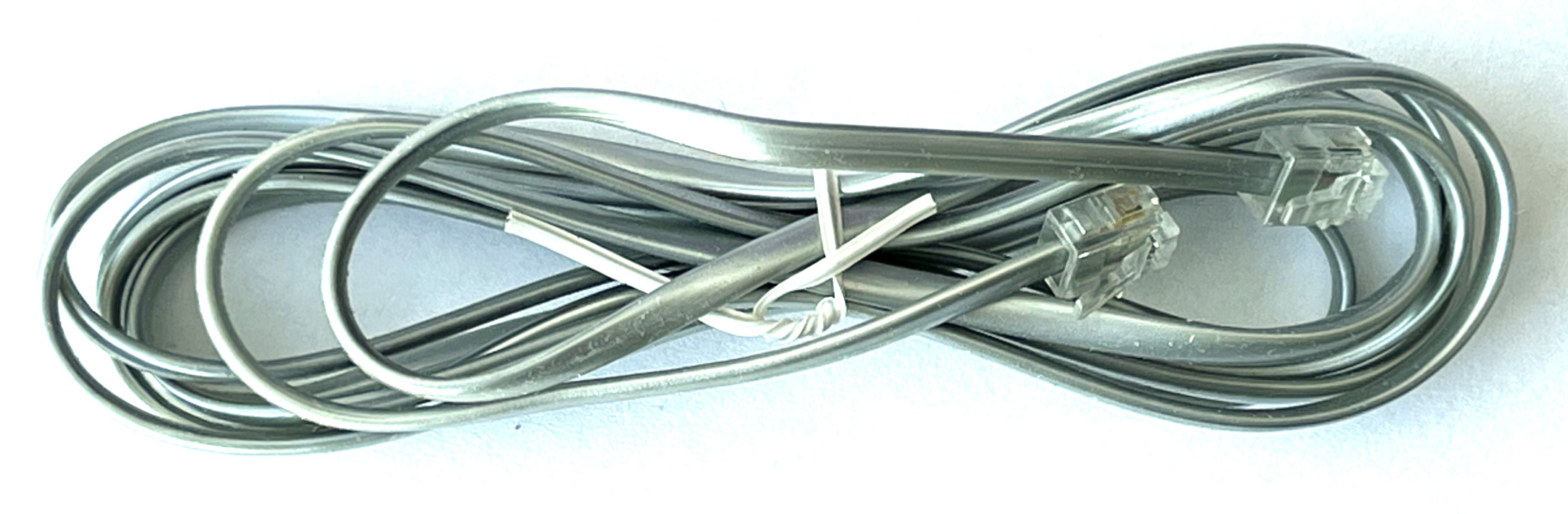
The modem comes with one phone cable.
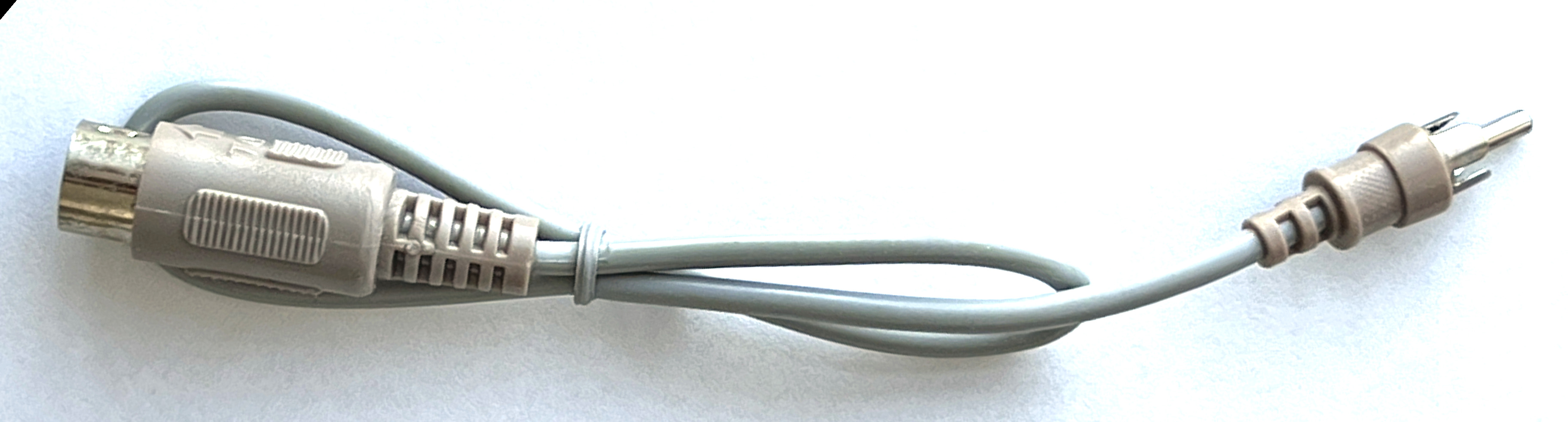
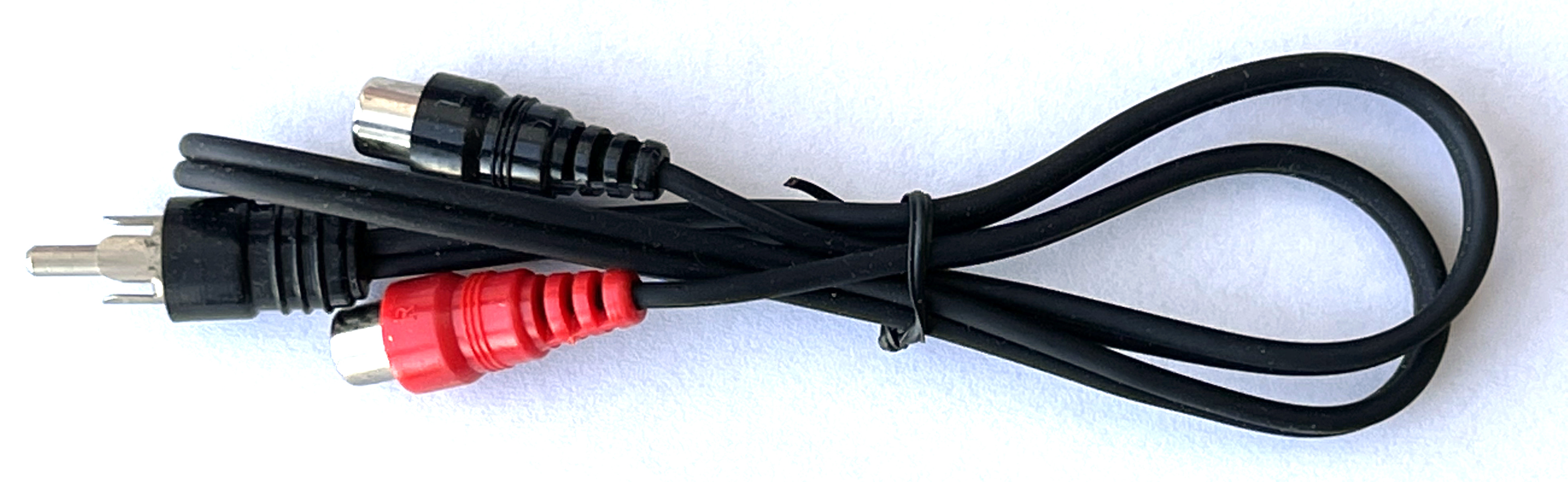
And there are two cables that connect the C64’s audio output to the modem:
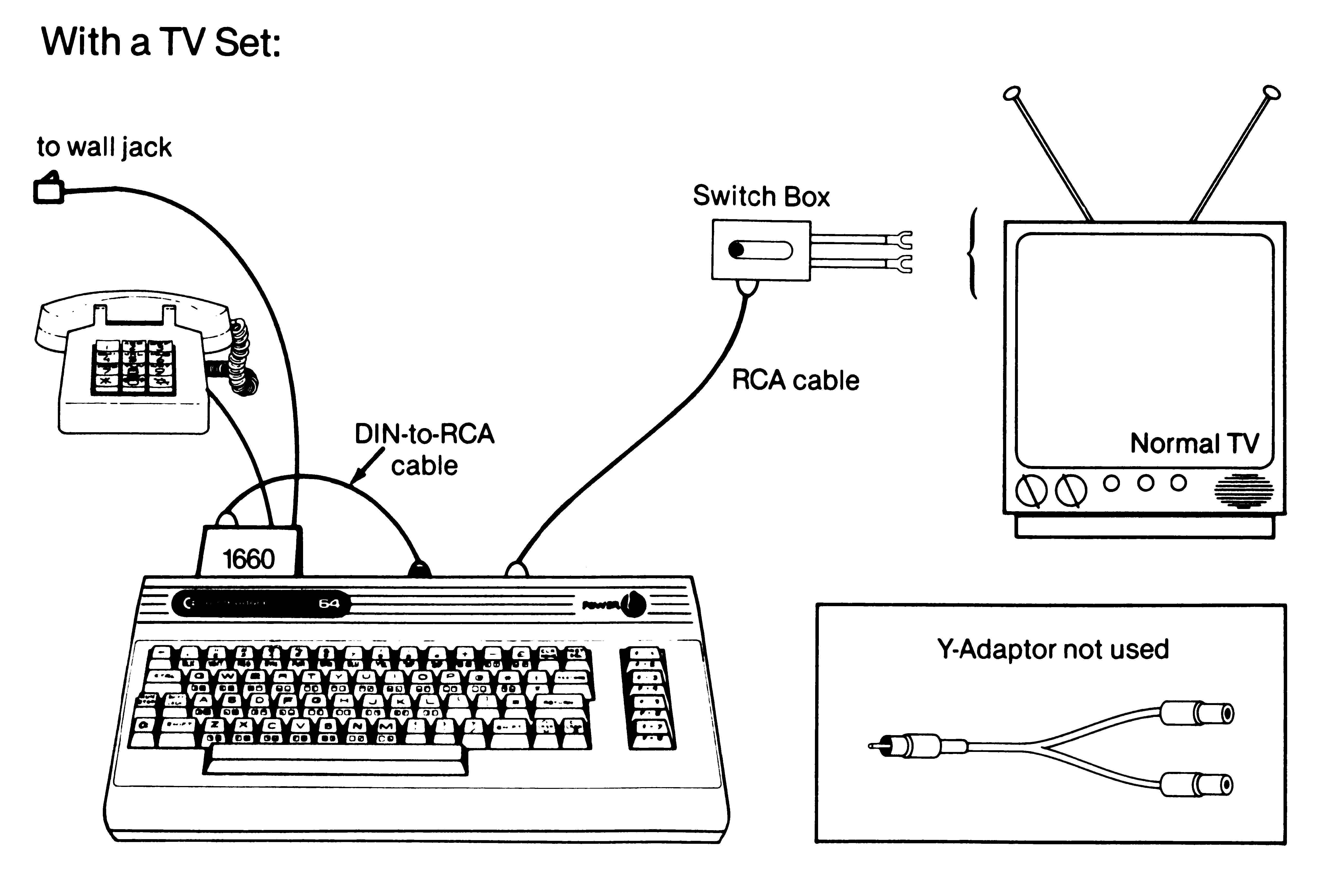
- The DIN to RCA cable takes the audio signal from the C64/C128 AV connector. It is used if the C64 is connected to a TV through the RF connector, so the AV connector is available.
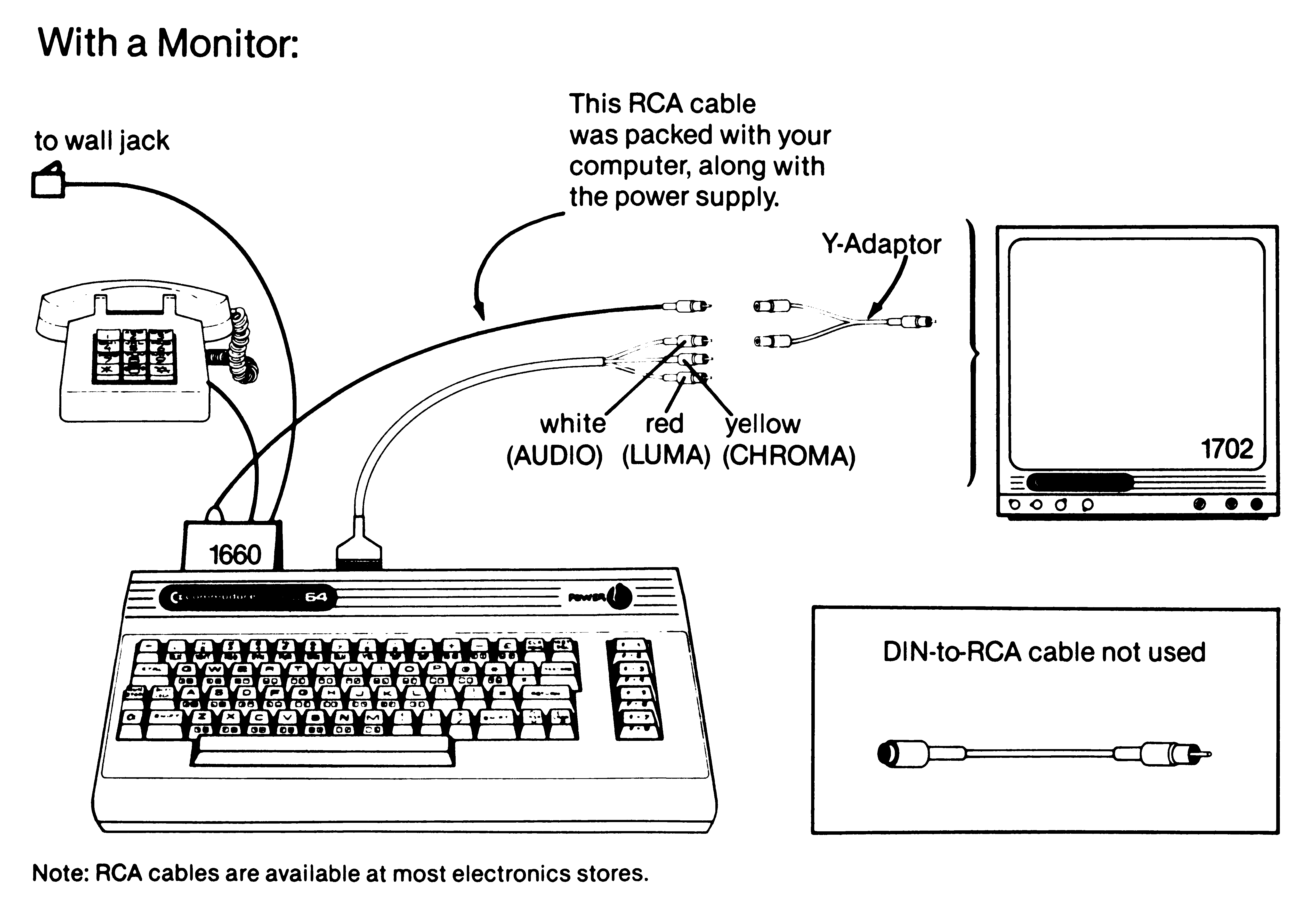
- The RCA Y-cable takes the audio signal from the monitor cable. This is used if the C64 is connected to a monitor using the AV connector.
Page 8 in the manual visualizes this:
Box
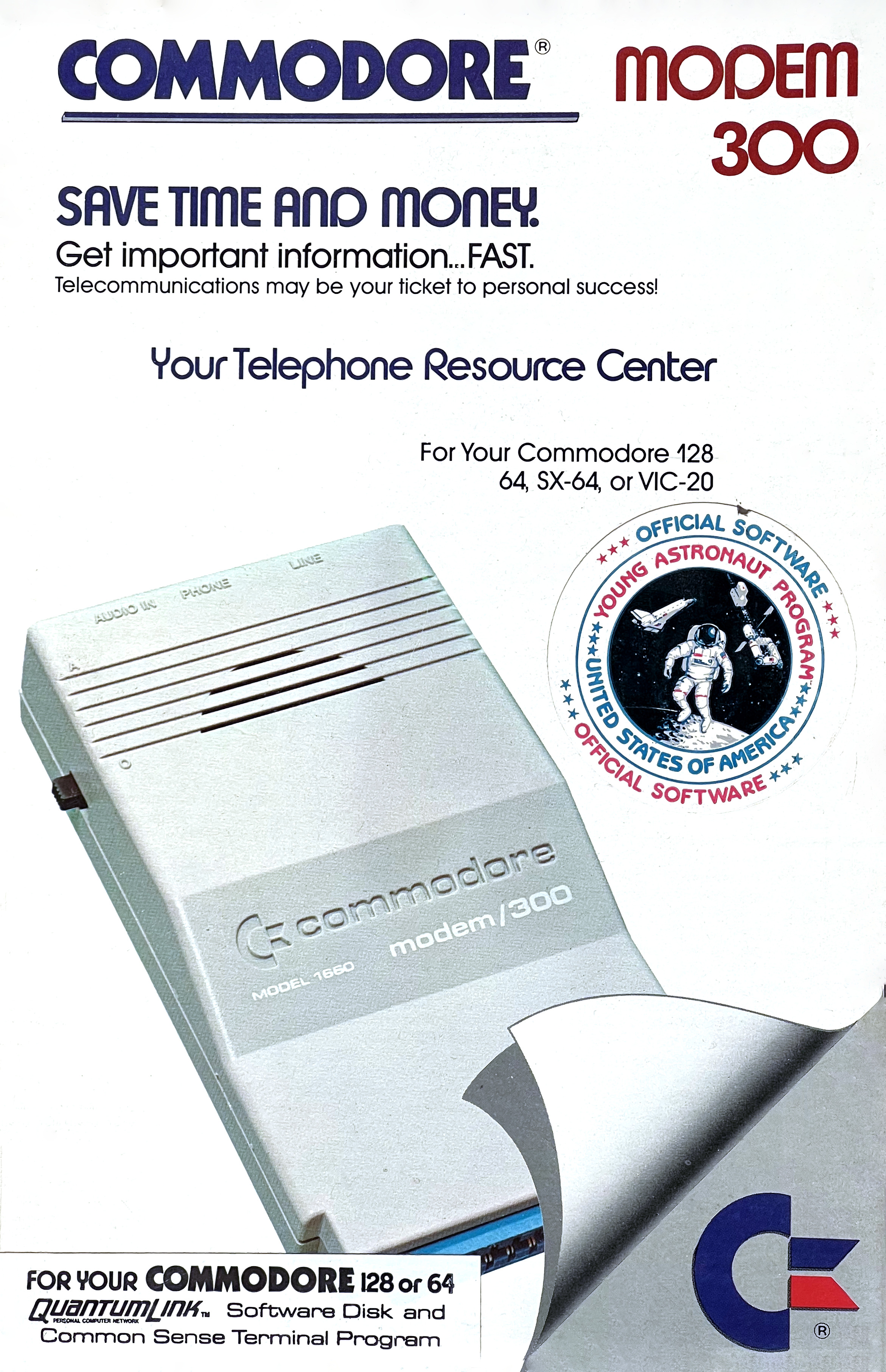
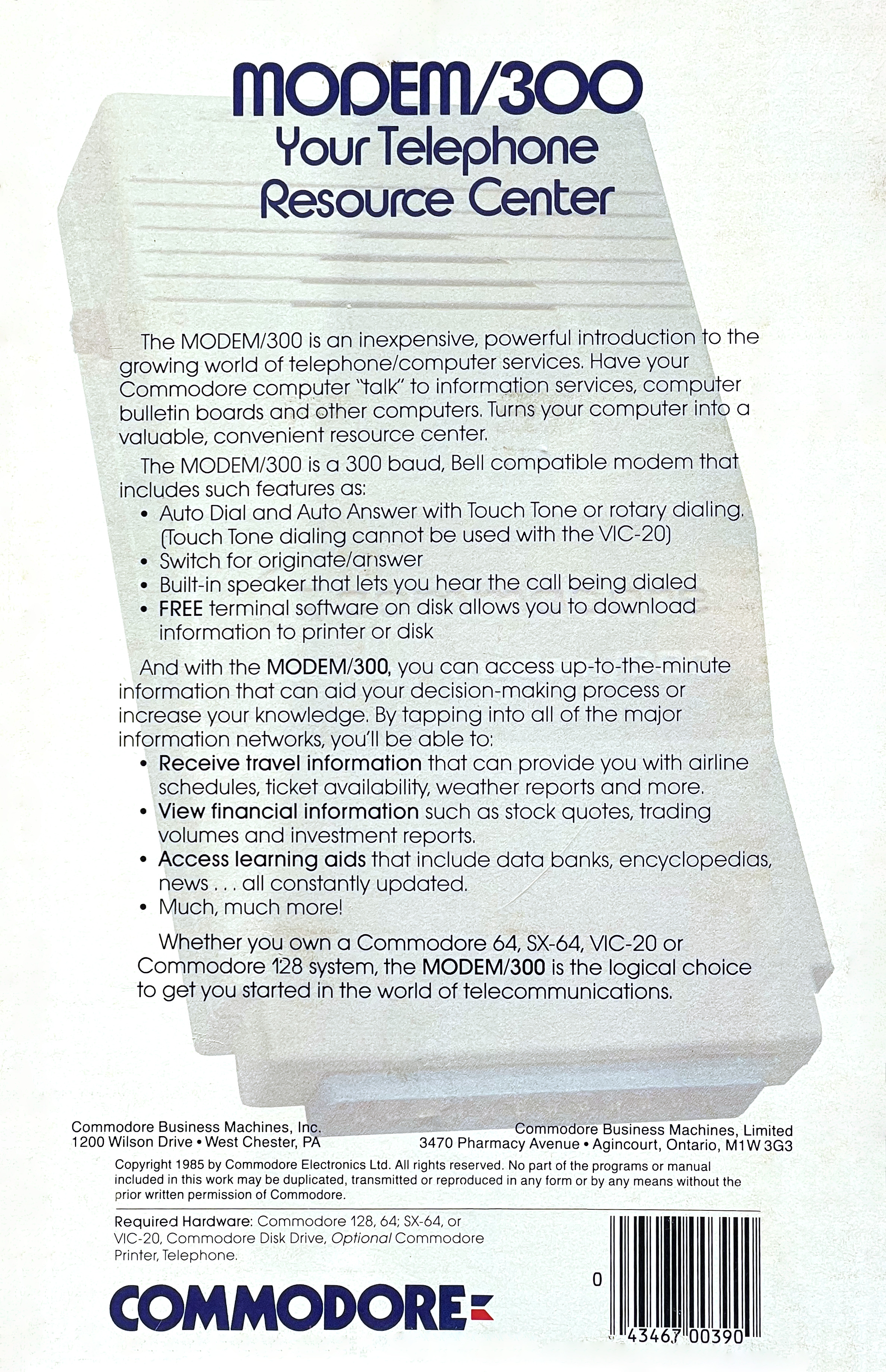

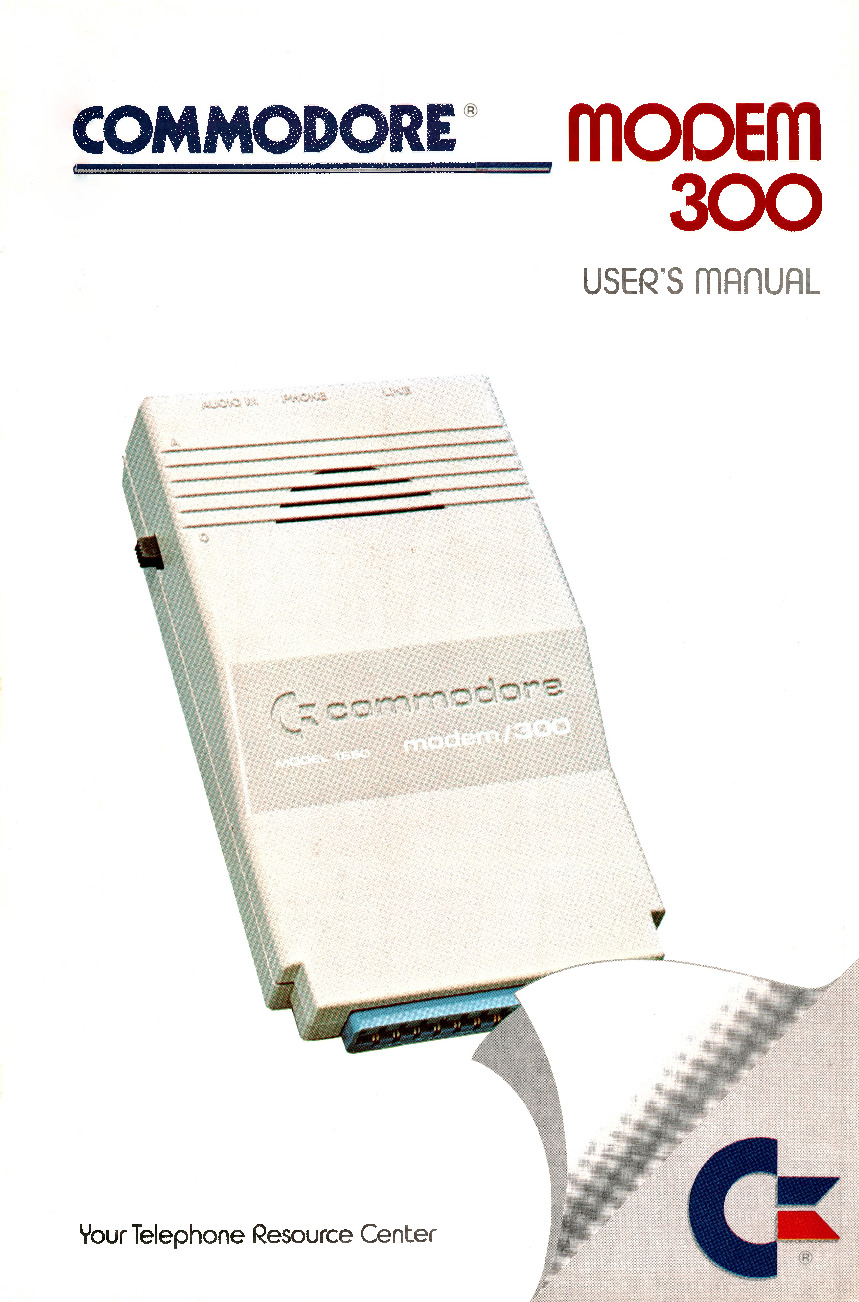
Manuals
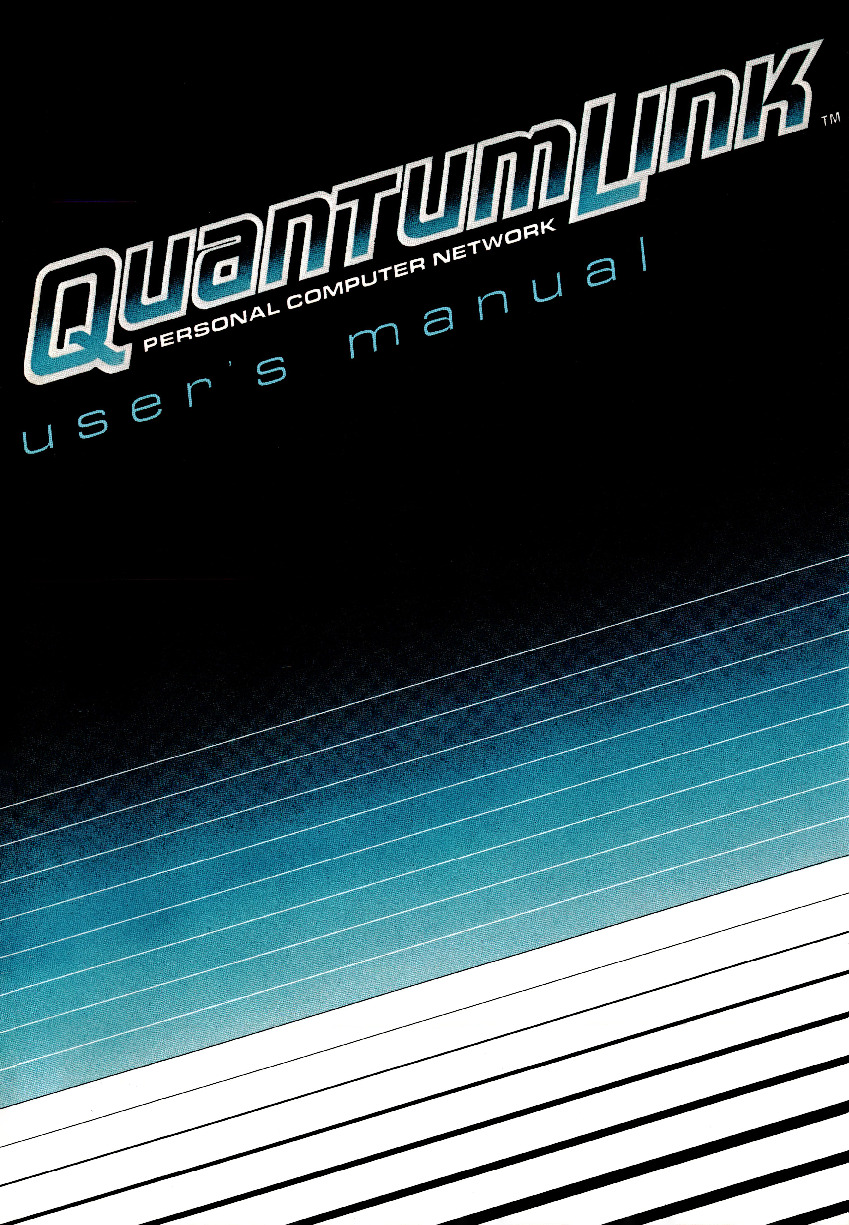
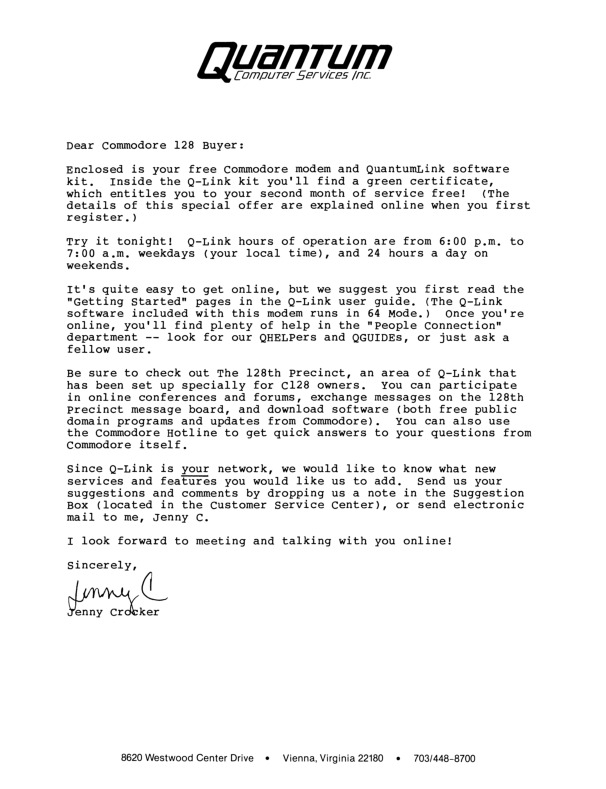
More Box Contents

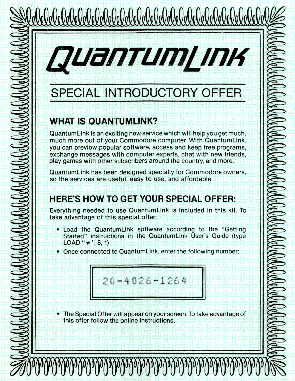
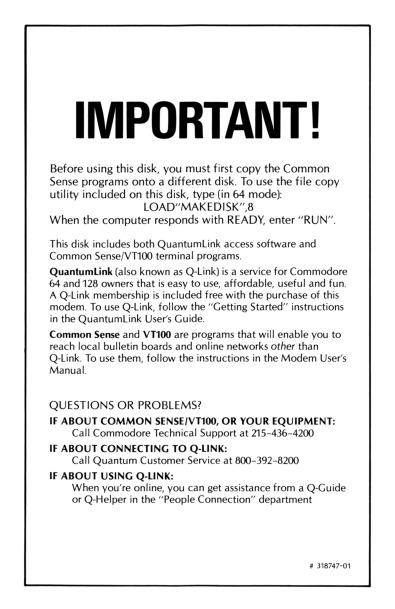
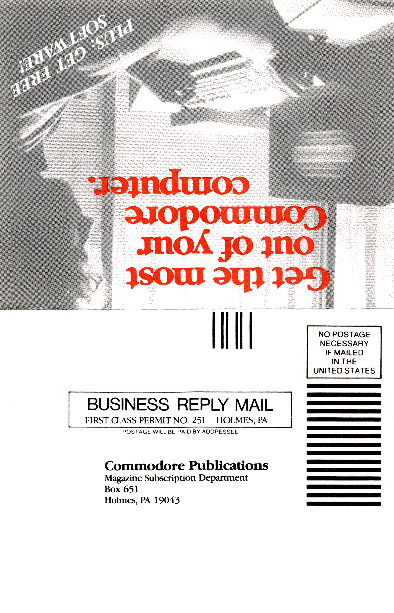
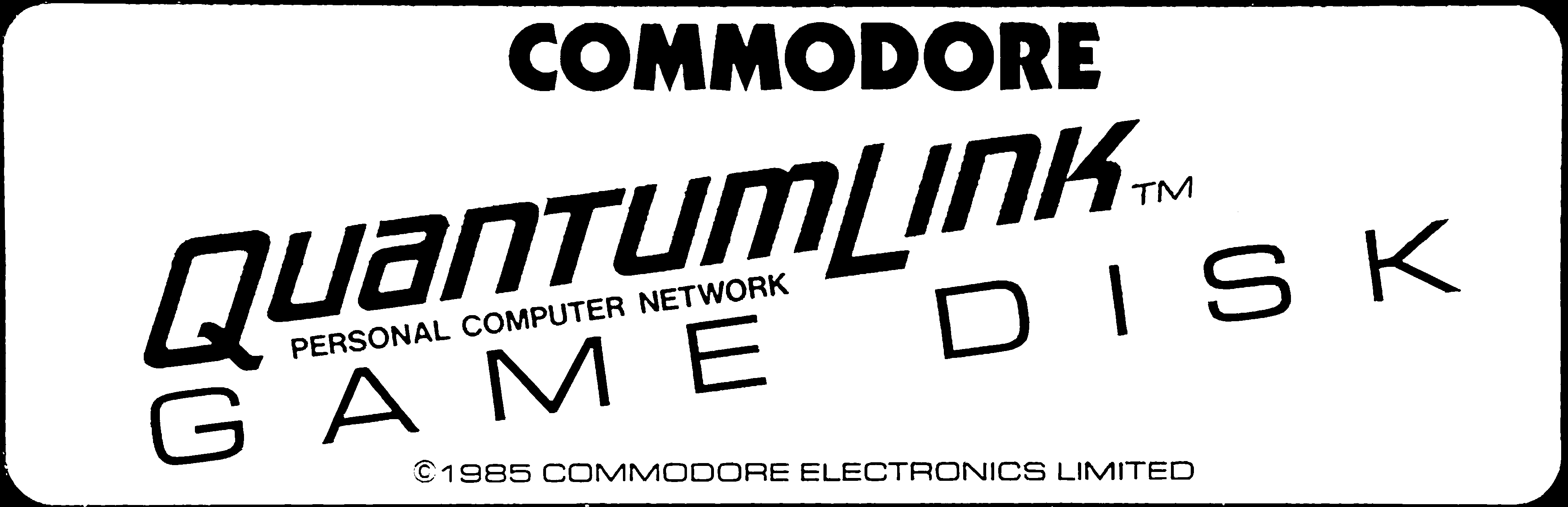
Disk
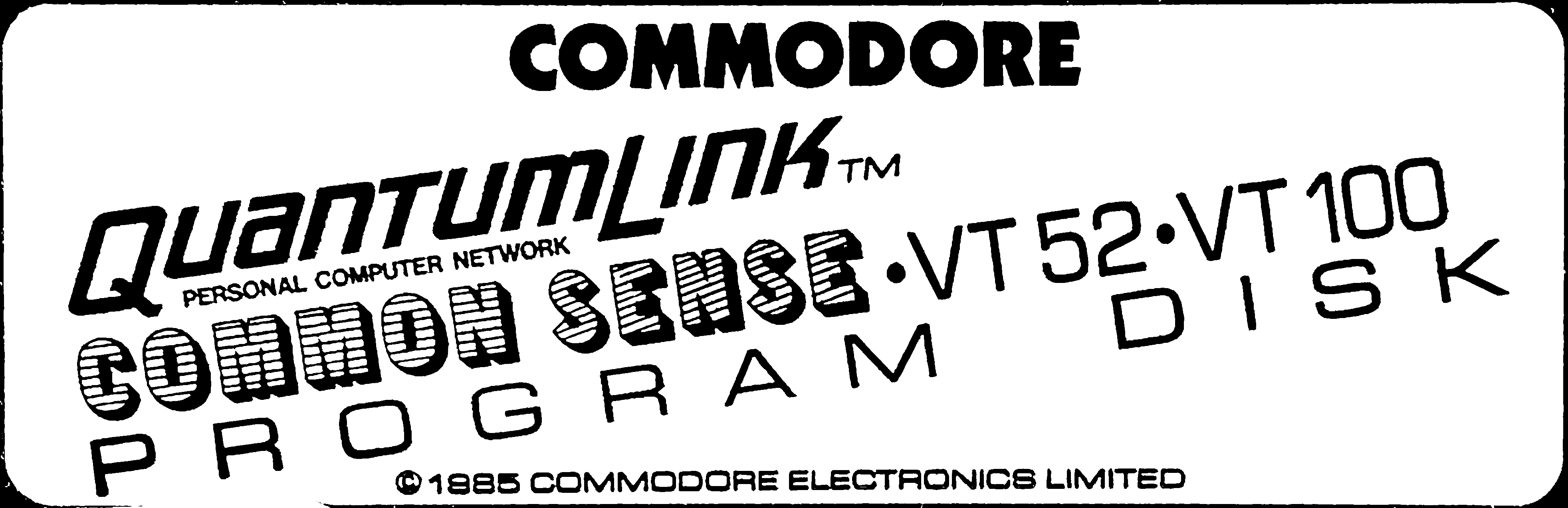
Further Reading
Build the ECM-103, an Originate/Answer Modem, Byte Magazine Volume 08 Number 03
About pulse dialing: it’s actually done by taking the line on and off hook rapidly. It doesn’t use audio signaling like tone dialing does, so I don’t think the audio interconnect on the 1660 was used for pulse dialing.
I used a 1660 to connect to QuantumLink back in the day. That was pretty painful at 300bps and the 1670 was a welcome upgrade.
Thanks; you are right. I clarified the text about pulse and tone dialing in the article.
Bit of a technical question – I have a couple of 1660 modems, which I am looking at repurposing as Morse key modems. They are ideal because they actually handle not only 300bps, but anything lower – even 1bps. The question is – do you know if the modem needs the 9VAC from the user port, or would it run ok on just the +5V/GND?